






For many businesses, office copiers and printers are still viewed primarily as output devices. But today’s multifunction printers (MFPs) do far more than print. Modern MFP technology has evolved into an important part of how organizations capture information, streamline document workflows, improve accessibility, and support digital business processes.
As businesses continue balancing paper-based processes with digital transformation initiatives, MFPs are increasingly serving as the bridge between physical documents and connected digital workflows.
MFPs Are No Longer Just About Printing
Modern multifunction devices combine printing, scanning, copying, document routing, cloud connectivity, and workflow integration into a single platform. This allows businesses to move information more efficiently while reducing the manual handling often associated with paper-based processes.
Today’s multifunction printer (MFP) environments can help organizations improve document workflow efficiency, reduce manual document preparation, streamline scanning and routing, support searchable digital records, improve accessibility, and connect paper-based processes with digital systems.
For organizations still relying heavily on paper forms, invoices, receipts, contracts, HR documents, or customer paperwork, these capabilities can create meaningful operational improvements.
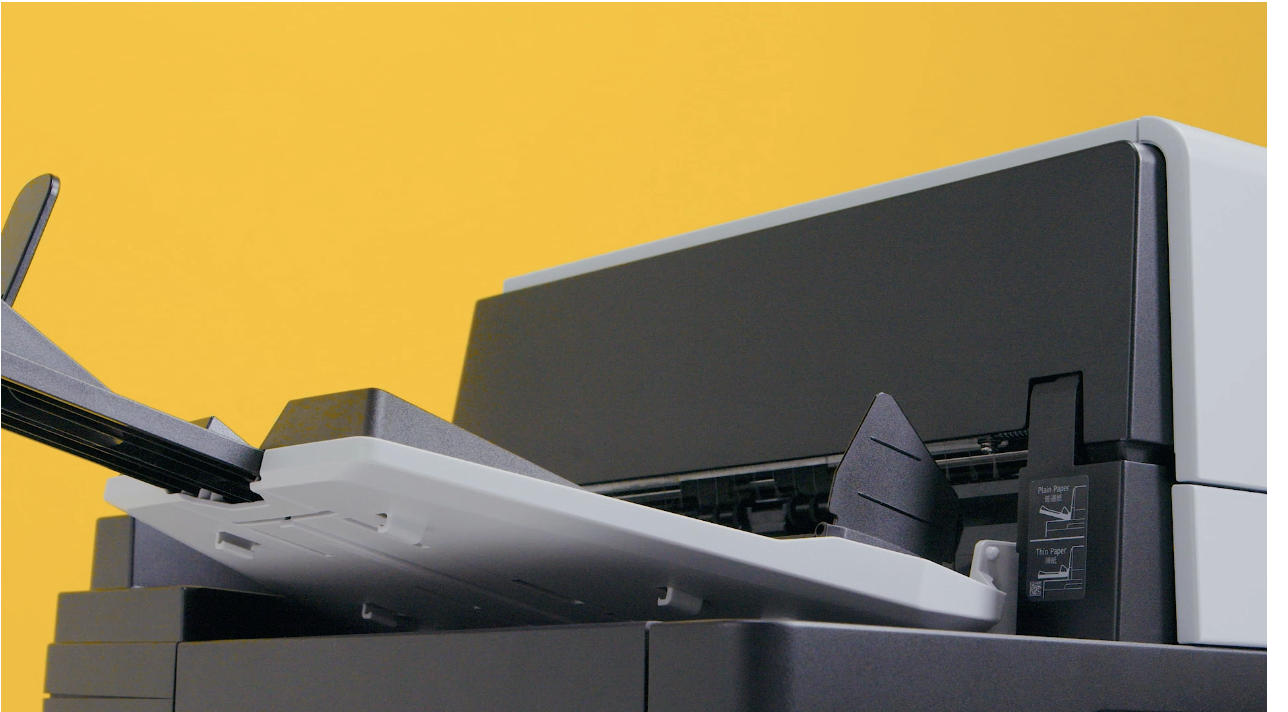
See Modern MFP Scanning in Action
Modern MFP scanning technology helps organizations streamline document intake, reduce manual preparation, and improve workflow efficiency.
Smarter Scanning Supports Faster Document Intake
One area where modern MFP technology continues to evolve is intelligent document capture and scanning efficiency.
Businesses often work with a mix of document types, including multi-page forms, receipts, IDs, cards, carbonless forms, and high-volume scanning workflows. New scanning technologies are designed to simplify handling these documents while reducing interruptions and manual preparation.
New scanning technologies are designed to help reduce interruptions, improve alignment, simplify mixed-document handling, and minimize the time employees spend manually preparing or rescanning documents.
These improvements may seem small individually, but across departments and workflows they can significantly reduce friction in how information moves throughout the organization.
Connecting MFPs to Digital Workflows
MFPs become even more valuable when integrated into a broader document ecosystem.
When paired with solutions like Enterprise Content Management, Intelligent Data Capture, and Workflow Automation, modern MFPs can help organizations capture information more efficiently, automate document routing, improve visibility, support compliance initiatives, reduce paper dependency, and create more connected workflows between departments.
Instead of functioning as isolated office equipment, MFPs become part of a larger strategy focused on business efficiency and information accessibility.
Supporting Hybrid Work and Business Efficiency
As organizations continue supporting hybrid work environments, distributed teams, and digital collaboration, the role of document technology continues to expand.
Businesses today need print and document solutions that support:
- Secure information sharing
- Cloud-connected workflows
- Efficient scanning and routing
- Reduced operational bottlenecks
- Reliable print and document access across locations
Modern MFP environments help organizations balance traditional office printing needs with the growing demand for connected digital workflows.
Looking Beyond the Hardware
While print speed and hardware specifications still matter, many organizations are now evaluating copier and MFP technology based on how well it supports broader business operations.
The conversation is shifting from simply managing printers to improving how documents and information move throughout the business.
Organizations evaluating copier and MFP technology are often considering more than print speeds and hardware specifications. Document workflows, information accessibility, security requirements, and long-term operational goals all play a role in determining the right solution.
Taking a structured approach to evaluating technology can help identify opportunities for improvement and ensure future investments support broader business objectives.
Learn how to evaluate business technology solutions →
At KDI, we help organizations evaluate copier, printer, and MFP environments that align with operational goals, document workflows, security requirements, and long-term business growth.
Related Solutions
Copiers, Printers & MFP Solutions →
Enterprise Content Management →
Intelligent Data Capture →
Workflow Automation →
Managed Print Services →
