






Business Process Automation
Turning structured information into intelligent, automated business workflows.

Business Process Automation (BPA) helps organizations streamline operations by transforming manual, repetitive tasks into intelligent workflows — including document processing, approvals, and data capture.
Many automation initiatives begin with document conversion, where paper records and manual files are transformed into searchable digital information. Through IMR Digital, KDI supports high-volume conversion and data capture—ensuring accurate, structured information that serves as the foundation for automation.
This structured foundation enables workflows, approvals, and data processes to move automatically—reducing manual steps, improving consistency, and increasing visibility across your organization.
Automation is most effective when built on structured, accessible information—creating connected processes that reduce delays, improve accuracy, and support better decision-making.
How Automation Helps Your Business
Manual processes slow teams down, create inconsistencies, and make it harder to scale. Business Process Automation removes those barriers—so your team can work faster, stay organized, and focus on higher-value tasks.
With the right approach, automation helps you:
Reduce manual work
Eliminate repetitive tasks and minimize errors caused by manual handling—especially when paper-based processes are converted into digital workflows through document conversion and digitization.
Improve turnaround times
Move documents, approvals, and information through your organization more efficiently.
Increase visibility and control
Track workflows, monitor activity, and maintain consistency across processes with centralized access to your documents and data through enterprise content management.
Support growth without added overhead
Handle increasing workloads without increasing administrative burden.
How Business Process Automation Works
Automation isn’t a single tool—it’s a connected workflow across your business systems.
Effective automation starts with structured information and connects the systems your business already relies on.
Explore each step of the workflow:
Process
Data is automatically extracted, validated, and routed through workflows based on your business rules.
Manage
Documents and data are securely stored, organized, and made accessible across your organization.
Access & Act
Teams can quickly find information, complete approvals, and take action—without delays or manual handoffs.
Where Business Process Automation Makes the Biggest Impact
Business Process Automation delivers the greatest impact in environments with high document volume, manual workflows, or repetitive administrative tasks.
Document Processing & Data Entry
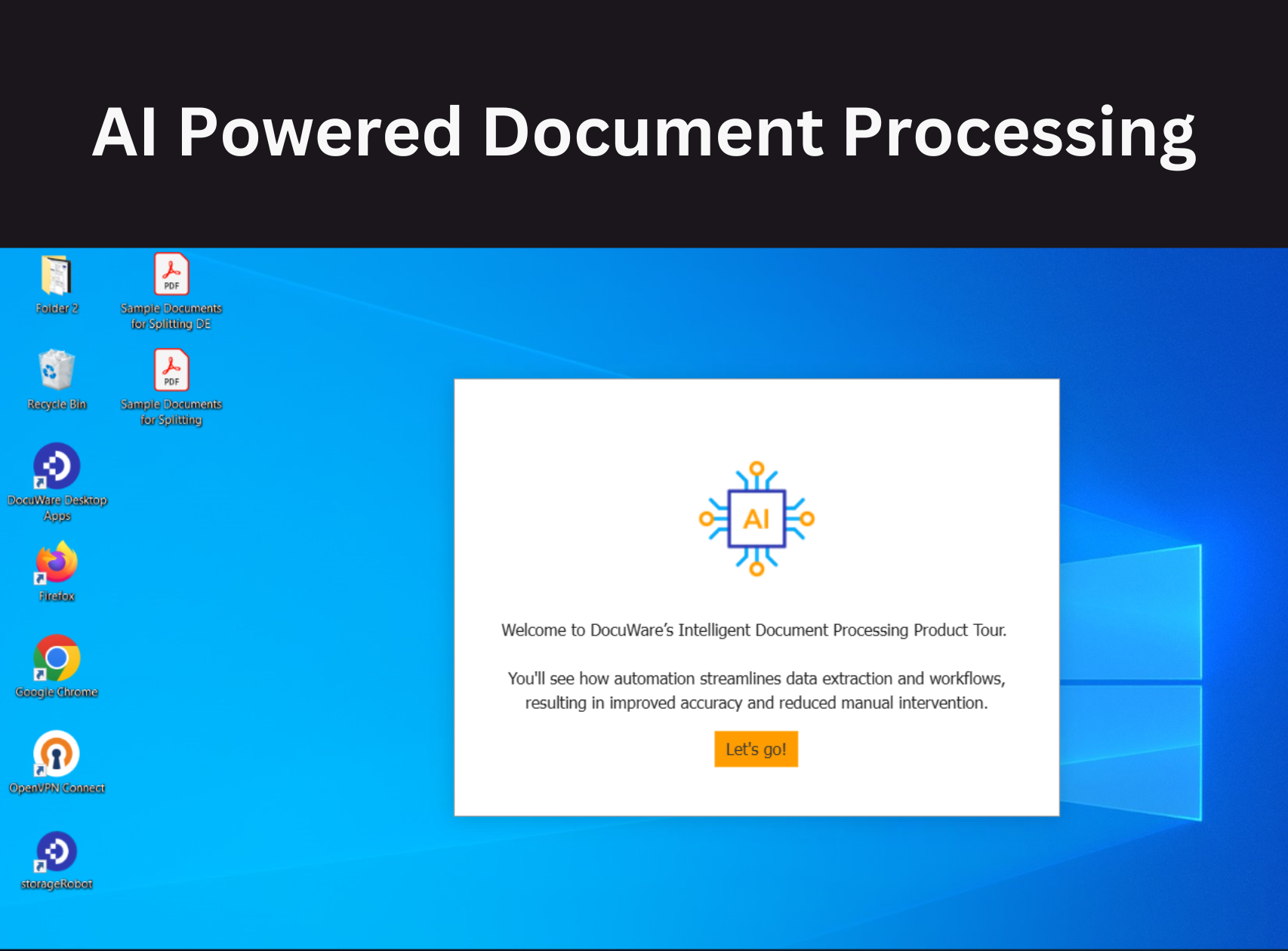
Automatically capture and extract data from invoices, forms, and PDFs to eliminate manual keying and reduce errors.
Accounting & Finance Workflows
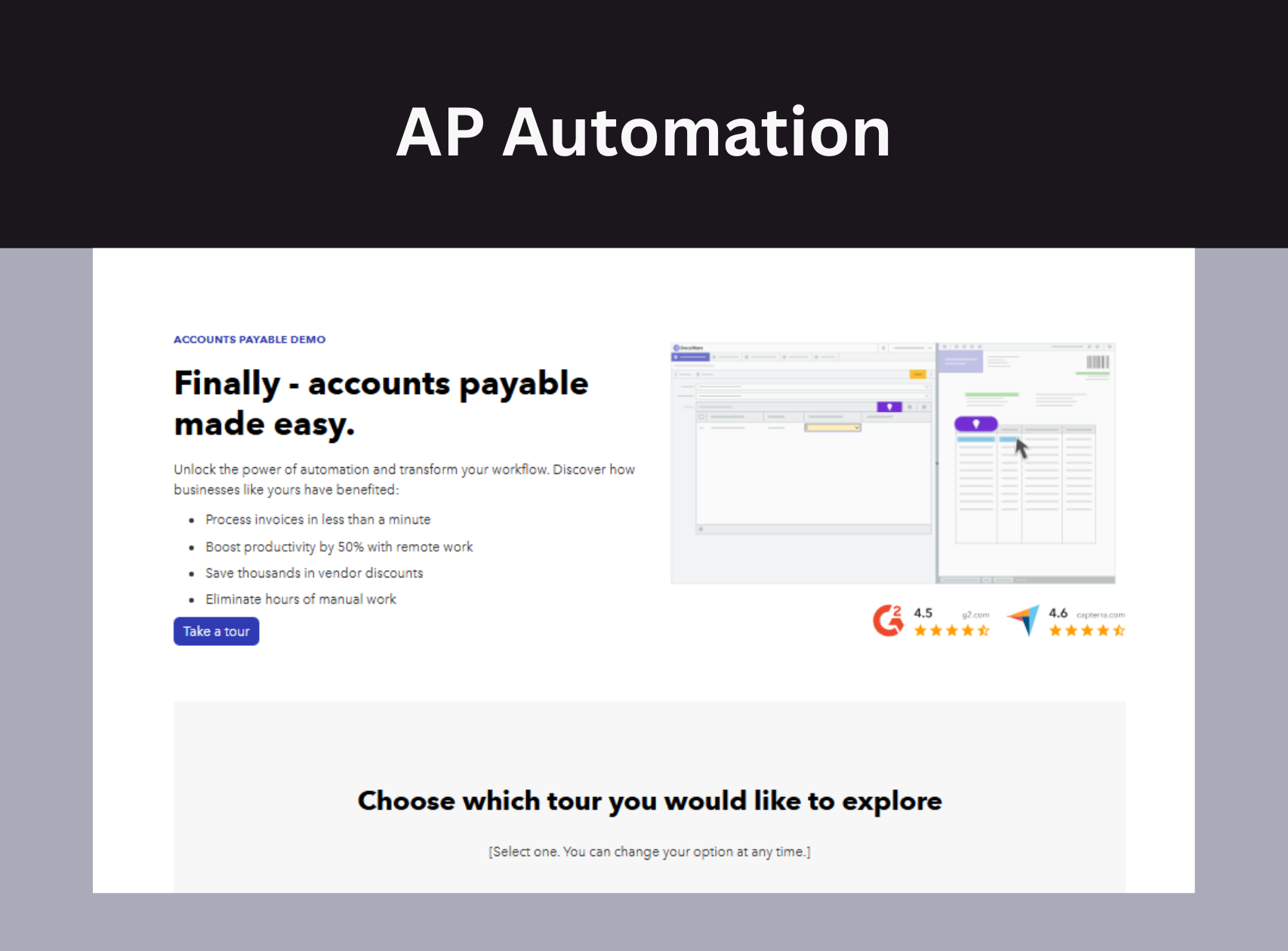
Streamline AP/AR, invoice approvals, and expense processing while improving visibility and turnaround time.
Mailroom & Intake Automation
Digitize incoming mail, invoices, and business documents and automatically route them to the right departments and workflows—reducing delays, manual handling, and lost information.
Learn more about Mailroom & Intake Automation →
Approval & Routing Workflows
Automate approvals for HR, finance, or operations to ensure the right people see the right information at the right time.
Operational Efficiency
Reduce bottlenecks caused by manual handoffs and scale processes without increasing headcount.
Automation workflows rely on connected solutions that capture, organize, and route information efficiently—bringing together document conversion, content management, and workflow automation into a single, streamlined process.
Business Process Automation FAQs
How Business Process Automation Connects to Other Solutions
These solutions work together to support automation across your organization:
- Document Conversion & Digitization — Prepare information for automation
- Enterprise Content Management — Organize and control content
- Digital Forms — Replace manual intake and approvals
- Document Security — Protect information across workflows
Ready to Simplify Your Processes?
If your team is spending too much time on manual tasks, automation can streamline operations and improve efficiency.