







IT services play a critical role in keeping businesses secure, connected, and running efficiently. But with so many providers offering similar services, it can be difficult to know what to look for—or how to compare your options.
Whether you’re evaluating a new provider or reassessing your current setup, understanding what IT services should include can help you make a more informed decision.
What Do IT Services Actually Include?
IT services can vary depending on the provider, but most businesses should expect a combination of support, infrastructure management, and security.
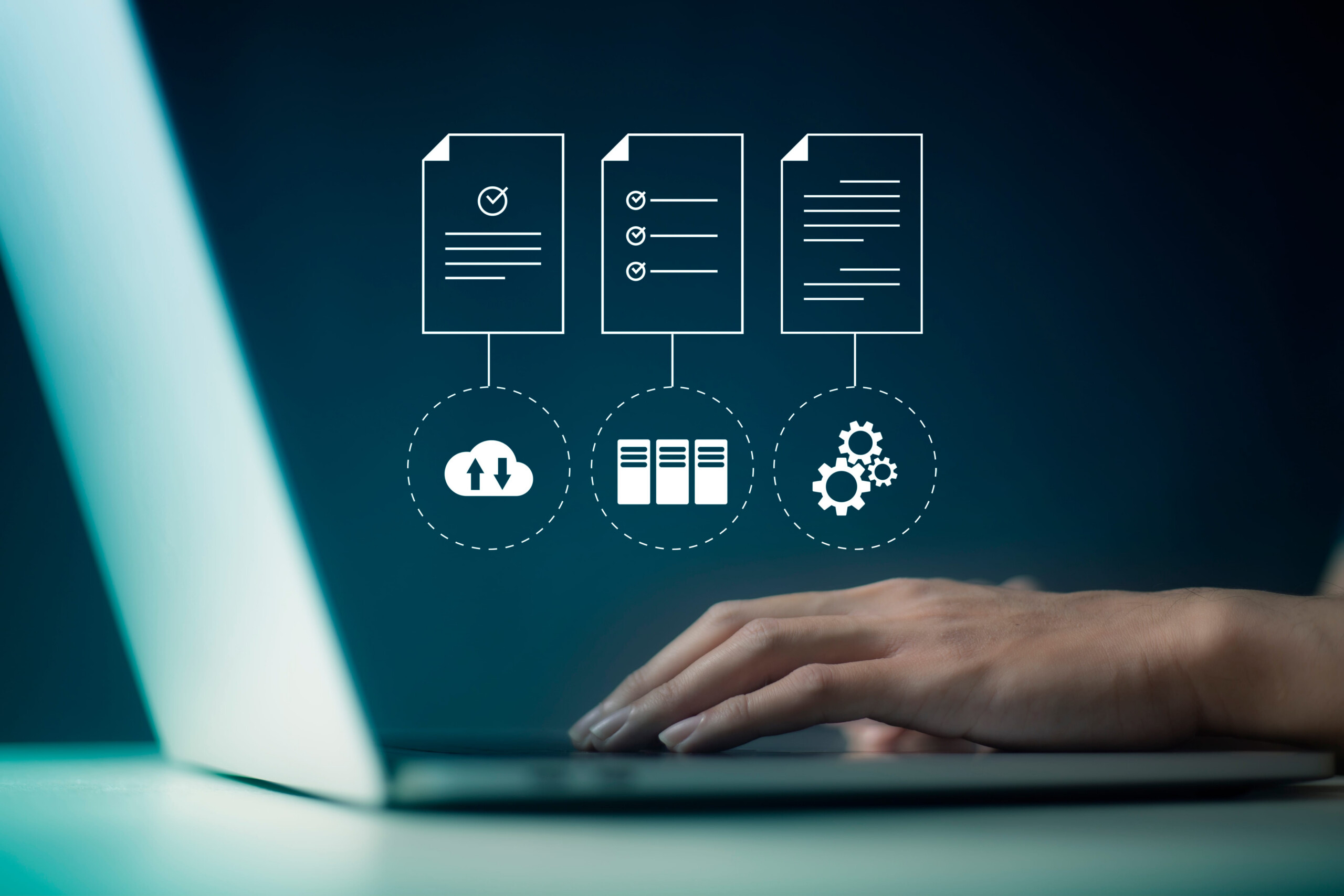
While services vary by provider, most businesses should expect helpdesk and end-user support, network monitoring and maintenance, data backup and recovery, cybersecurity protection, and hardware and software management. Many organizations rely on managed IT services to ensure these areas are consistently maintained and proactively monitored.
How to Evaluate Support and Responsiveness
One of the most important factors in choosing an IT provider is how quickly and effectively they respond to issues.
When evaluating a provider, consider response times, availability, escalation procedures for critical issues, and how communication and follow-up are handled. Slow or inconsistent support can lead to downtime, lost productivity, and frustration across the organization.
Slow or inconsistent support can lead to downtime, lost productivity, and frustration across your team.
Security, Backup, and Business Continuity
Security should be a core part of any IT services offering—not an add-on.
A strong provider should help protect your business through network and endpoint security, data backup and recovery solutions, disaster recovery planning, and ongoing monitoring and threat detection
These elements work together to ensure your systems and data remain protected, even in the event of an unexpected disruption.
Cost vs. Value
IT services are often evaluated based on cost, but the lowest price doesn’t always deliver the best results.
When comparing providers, consider what’s included in the service, whether support is proactive or reactive, the potential cost of downtime or security issues, and long-term scalability.
A reliable IT partner should help you avoid larger issues—not just respond when something goes wrong.
Questions to Ask Before Choosing a Provider
Before making a decision, it’s helpful to ask a few key questions:
- What services are included—and what’s not?
- How is support handled and measured?
- What security measures are in place?
- How do you handle backups and recovery?
- How will this scale as our business grows?
These questions can help clarify whether a provider is the right fit for your business.
Organizations evaluating IT providers are often considering more than support alone. Security risks, recovery readiness, operational efficiency, scalability, and long-term technology goals all play a role in determining the right fit.
Taking a structured approach to evaluating technology can help identify gaps in your current environment and ensure future investments align with business objectives.
Learn how to evaluate business technology solutions →
Is It Time to Reevaluate Your IT Support?
Even if you already have an IT provider, it may be worth taking a closer look at how your current environment is performing.
If you’re experiencing slow response times, recurring issues, or uncertainty around security, it could be a sign that your current setup needs improvement.
A quick review can help identify gaps and determine whether changes would improve efficiency, security, or overall performance.
Get Started
If you’re evaluating IT services—or just want a second opinion on your current setup—KDI can help you assess your environment and identify opportunities for improvement.
Start with a Managed IT & Security Assessment to see how your current setup compares
Related IT & Security Solutions
Managed IT Services
Proactive support, monitoring, and technology management to keep systems secure and running smoothly.
Cybersecurity Solutions
Protect your business from ransomware, phishing, and evolving cyber threats.
Data Backup & Recovery
Reduce downtime and improve recovery readiness with secure backup strategies.
Technology Assessments
Identify gaps, risks, and opportunities across your technology environment.
